by maxthon.com | Jul 29, 2023 | Release Notes
We’re living in an era where technology is rapidly evolving, and every application is constantly adapting to offer the best user experience. Among the big waves in this digital ocean, Maxthon browser has made a monumental splash by integrating AIChat, a...

by maxthon.com | Apr 28, 2017 | Maxthon Tips, Release Notes
Hi Maxers, Maxthon5 browser’s first birthday is coming! We’re glad that millions across the globe have chosen and enjoyed Maxthon5 in the past year. Maxnote, as one of the main features in MX5, has earned a good reputation among the users. As we claimed at its birth,...
by maxthon.com | Apr 17, 2017 | Release Notes
Hi Maxers, Today we bring you a more stable release version of MX5: v5.0.3.4000. Our developing team has made it the most stable version with the customized skin. Here are the bugs fixed in this version: Bug Fixed: Fixed Maxthon process occupying CPU problem...
by maxthon.com | Mar 31, 2017 | Release Notes
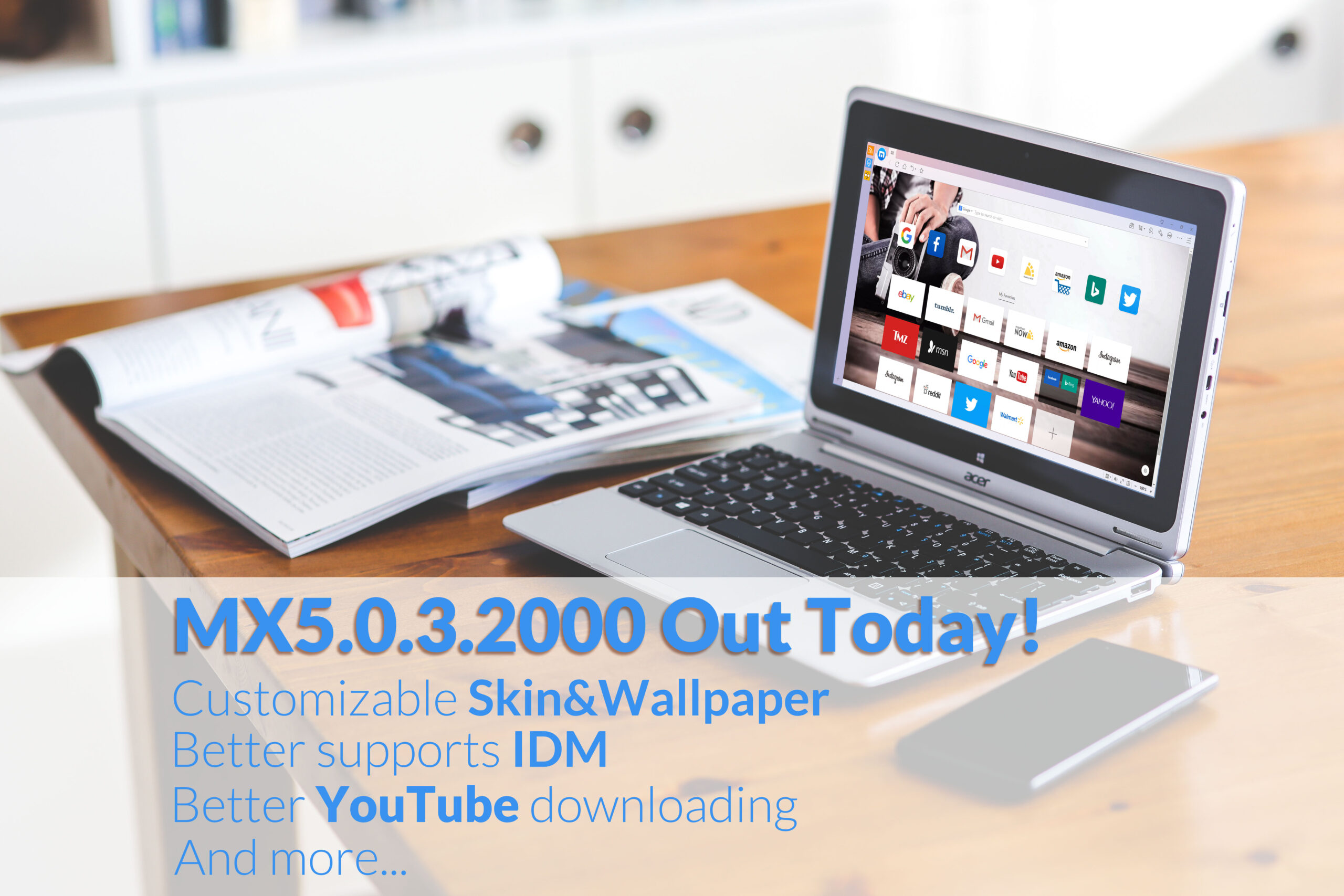
Dear all, Are you waiting for the skin and customizable wallpaper of MX5 browser? Are you waiting for your language included in MX5? We heard your voices and here it comes today! Thank you all for walking along with us: raising good suggestion, helping...
by maxthon.com | Dec 22, 2016 | Release Notes
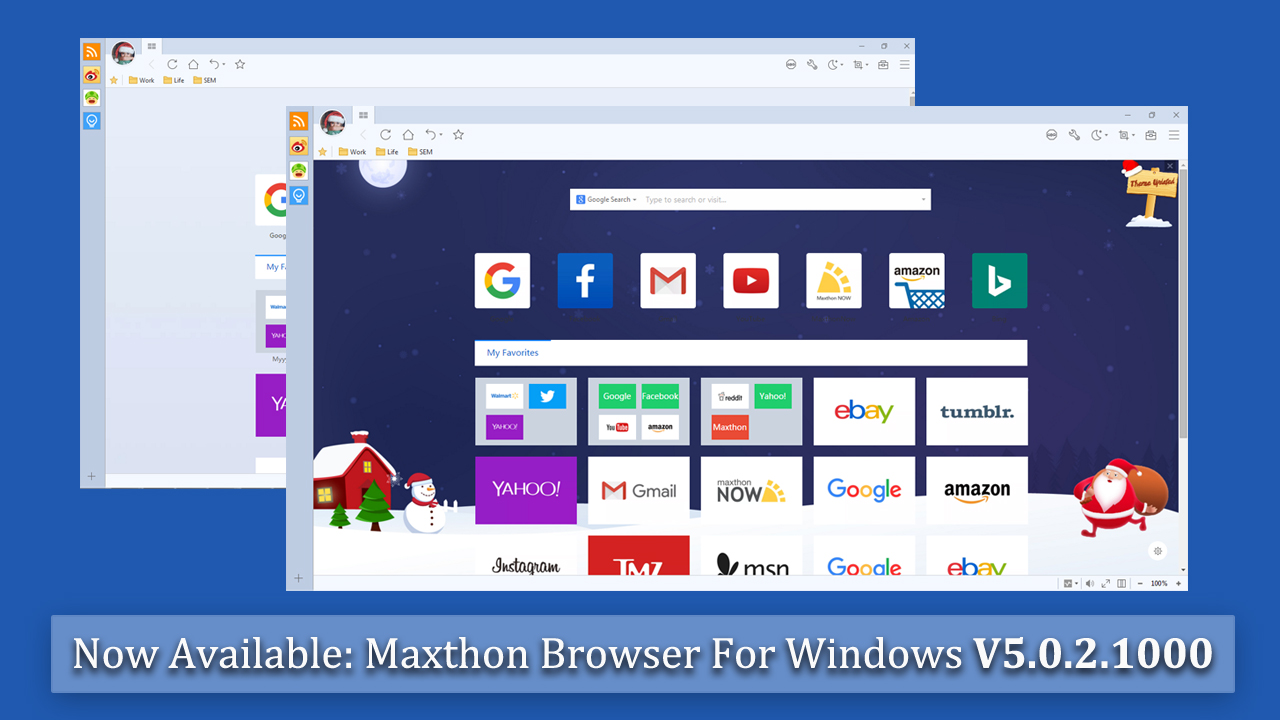
Dear all, Thanks for helping Maxthon improve all the time.And today, we bring you the latest version 5.0.2.1000 and welcome all of you to have a try! We sincerely thank all the users who give us valuable feedback, which helped us find lots of bugs and fix them. Your...
by maxthon.com | Oct 27, 2016 | Maxthon Tips, Release Notes
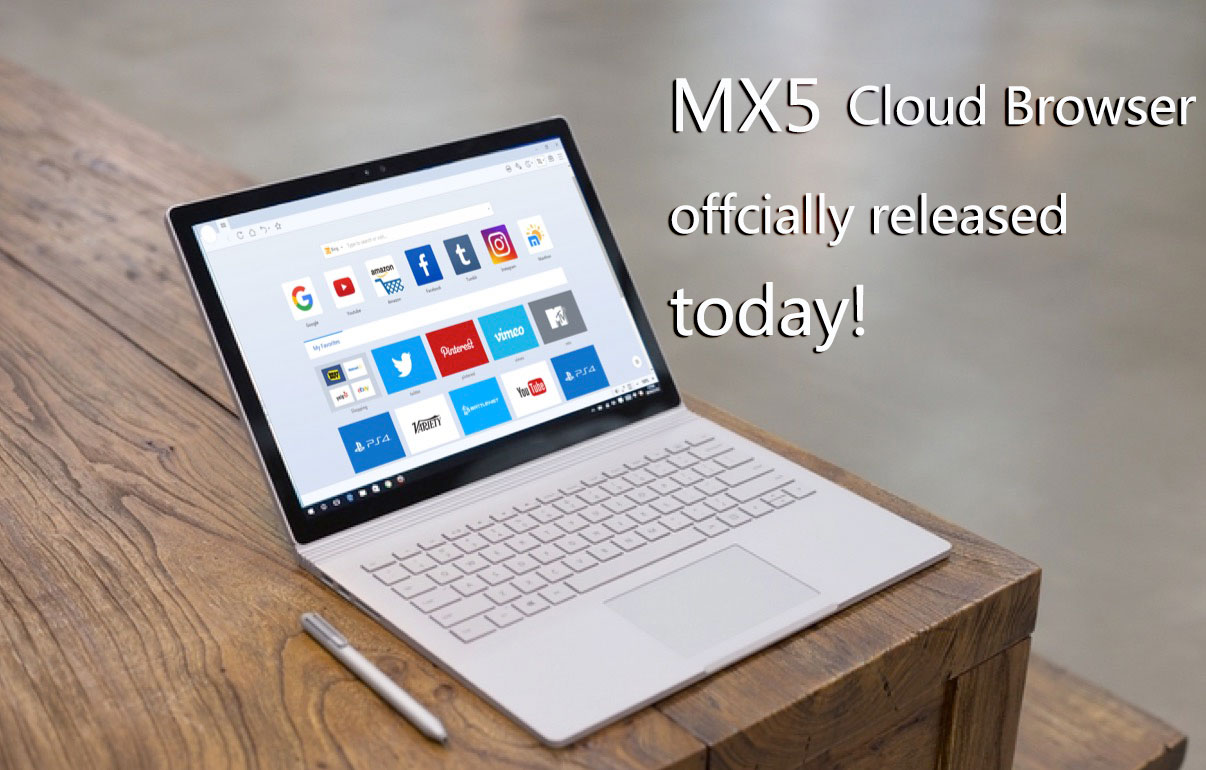
Thank you all for walking along with us through Alpha and Beta version of MX5 Cloud Browser. Lots of meaningful feedback and suggestions are collected and accepted. Now, we are happy and proud to bring the MX5 official version to you. MX5 Cloud Browser...
